RealisticVista brings hyper-realistic atmosphere, dynamic high-fidelity shadows, and soft organic lighting to your world without ruining your frames.
@corpoldroblox
Every line of code is optimized to bring out the subtle, beautiful depths of natural lighting without overloading your GPU.
Experience pristine light scattering and organic fog blending across massive snow plains and icy mountains.
Torchlight casts deep dynamic shadows on stone corridors. Perfect light fallback preserves vanilla design but elevates cave vibes.
Built with performance as a priority. Get smooth gameplay even on mid-range gaming hardware without losing realistic detail.
Drag the divider to see how RealisticVista seamlessly transforms landscapes from soft daytime frozen shores to dark, starry nights.
Take a look at the actual lighting across the Overworld, Nether, and dark interior caverns.
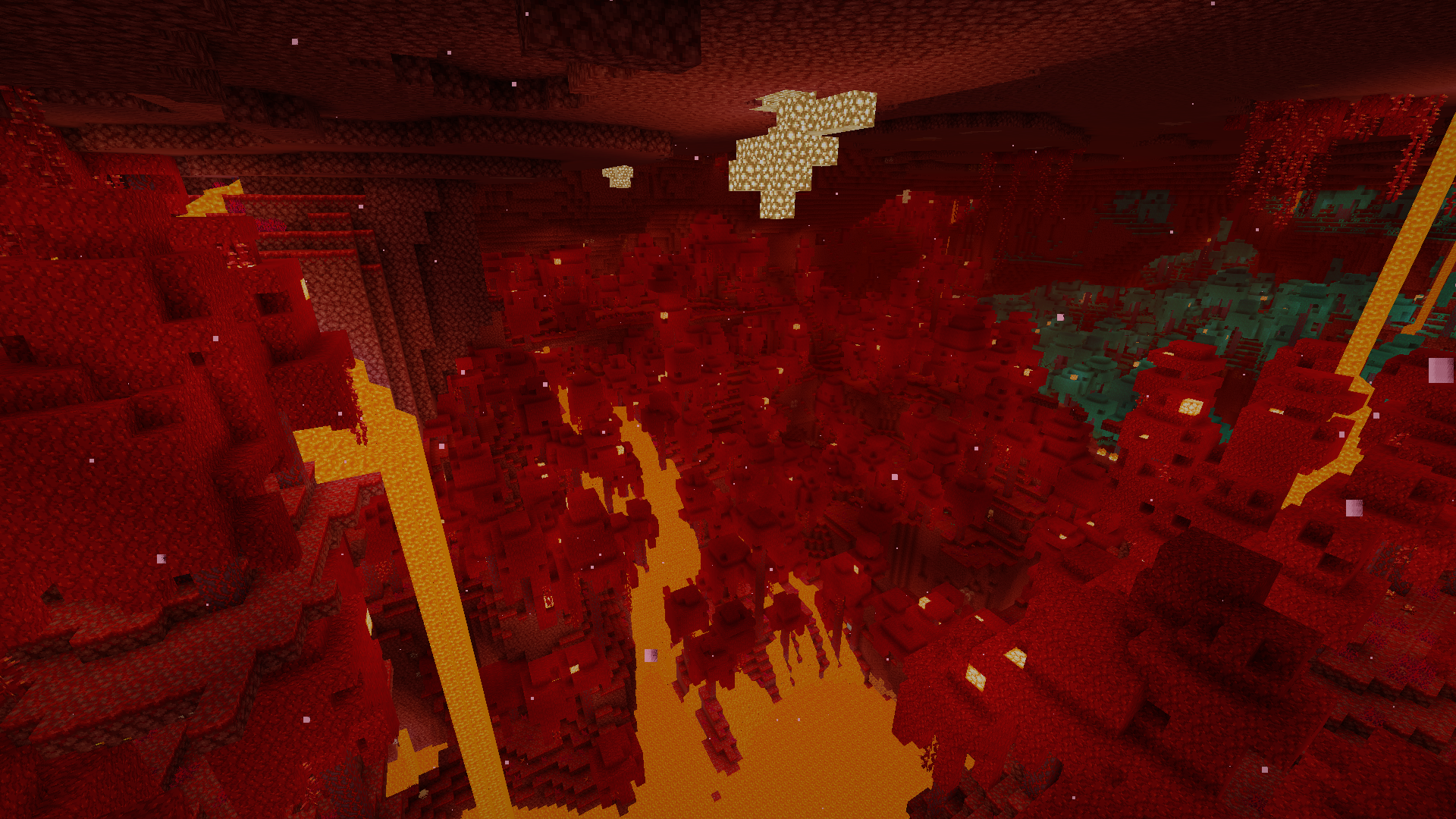
Vibrant light fields cast through the dense biome growth.
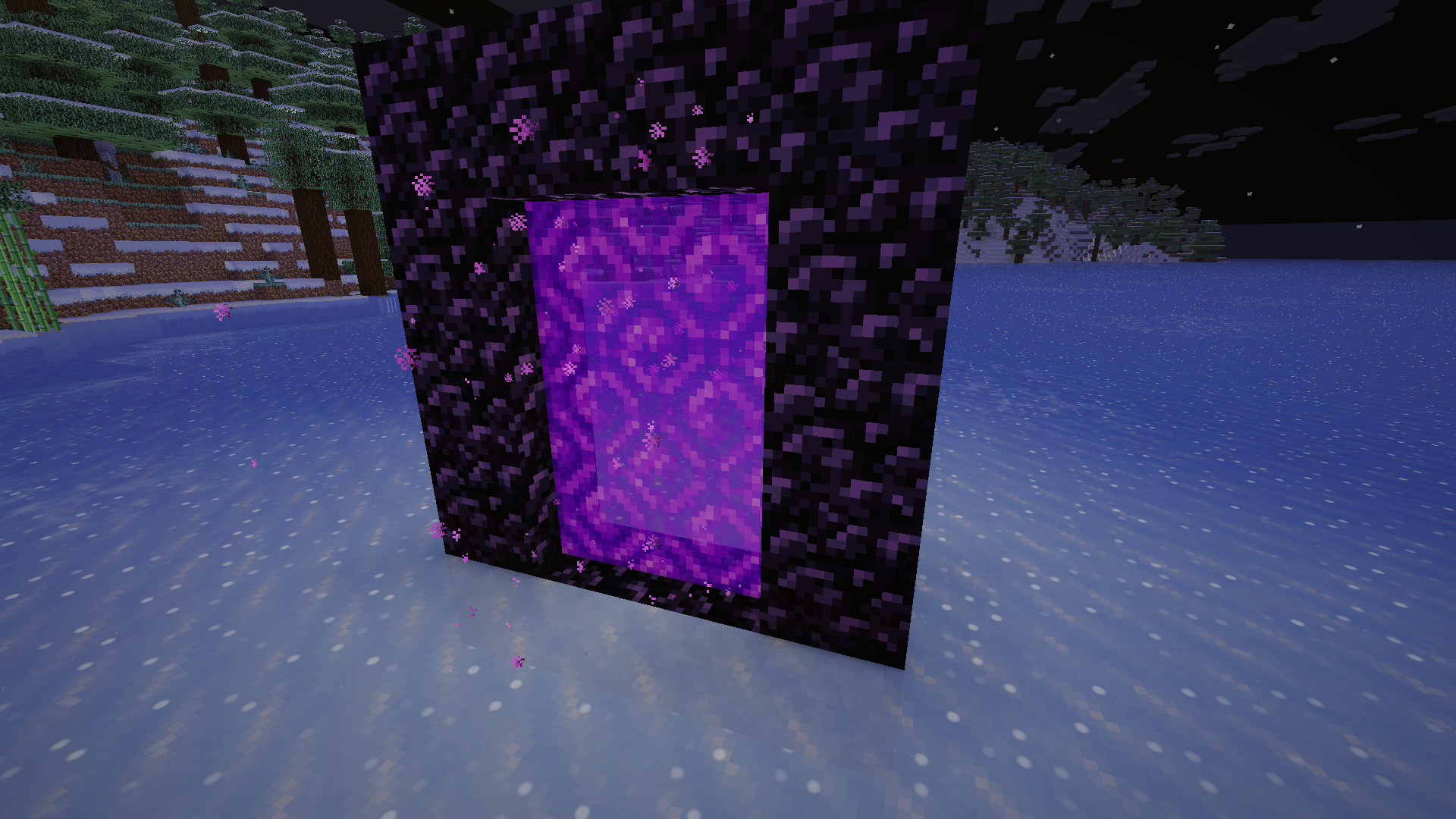
Soft particle lighting and obsidian reflections on snow.
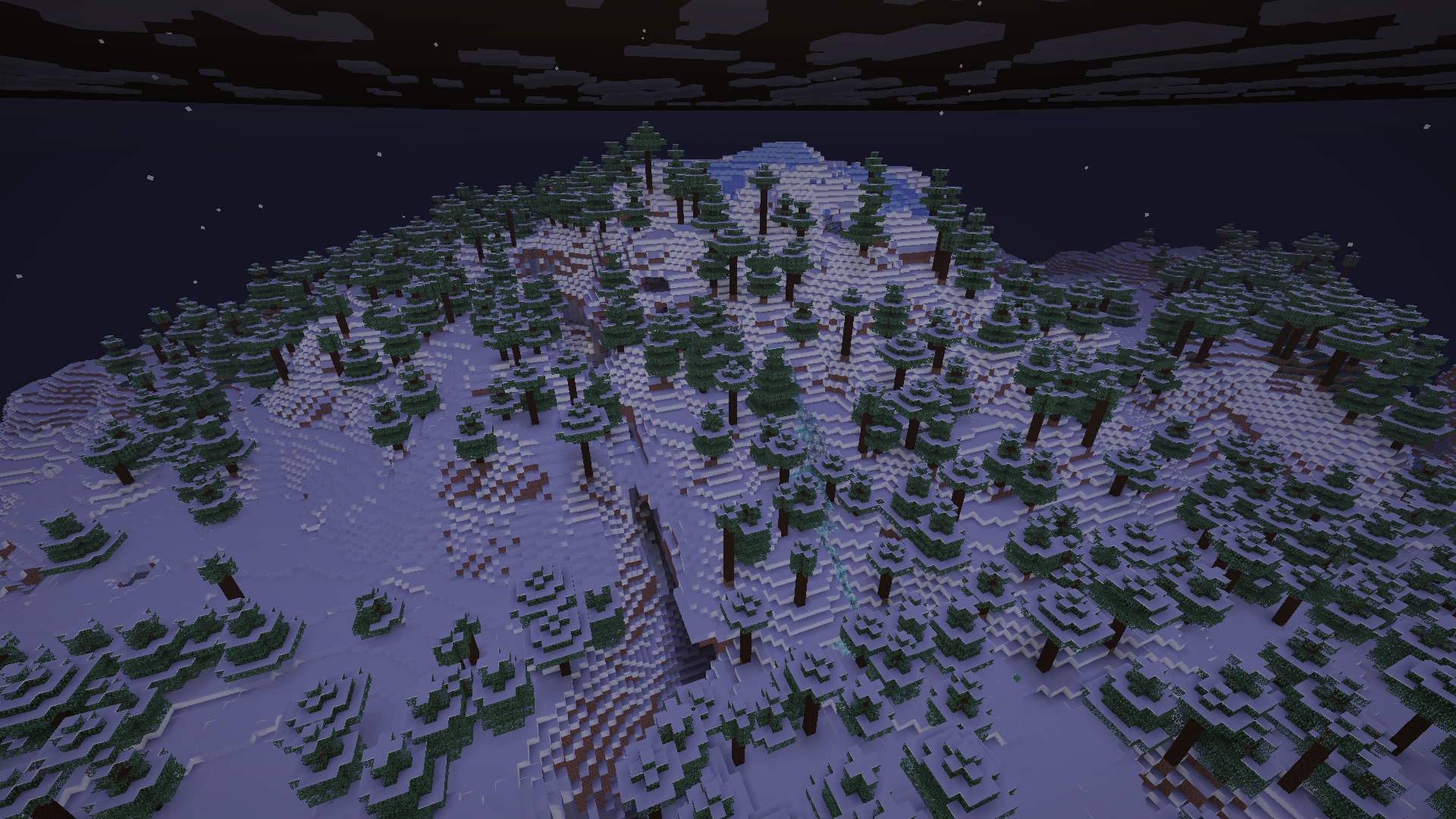
Crisp atmospheric visibility on distant mountain peaks.
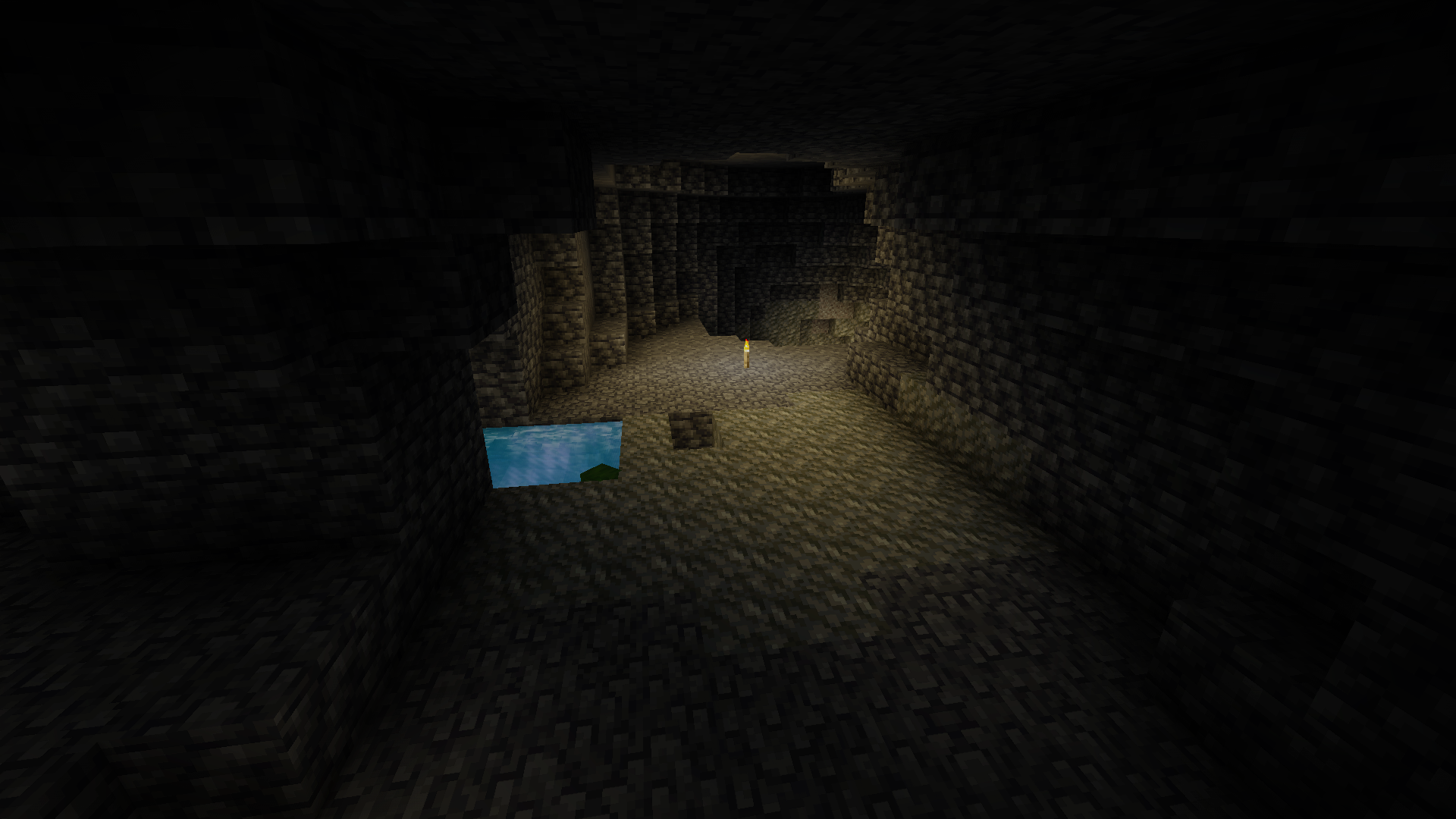
Realistic torch light decay provides classic dark survival feels.
Setting up RealisticVista is straightforward and takes less than two minutes. Follow the guides below.
Make sure you have a shader-compatible loader installed such as Iris Shaders (recommended) or OptiFine for Minecraft 1.21+.
Download the latest .zip release of RealisticVista from your premium launcher or by Downloading from Modrinth.
Open Minecraft, navigate to Video Settings > Shader Packs, click open folder, paste the downloaded .zip in, and activate it!
This shaderpack is fully open-source and free to modify or redistribute as long as proper creator attribution is preserved in all derivative works.